A modular super app, instead of one build per client
A task-first concept for Modular Super App delivery partners: clearer requests, sequenced pickups, visible earnings and resilient status updates in the moments that matter.
- Role
- Lead UI/UX & Product Designer
- Duration
- Dec 2018 — Feb 2022
- Team
- 25+ team members
- Scope
- Modular super-app ecosystem
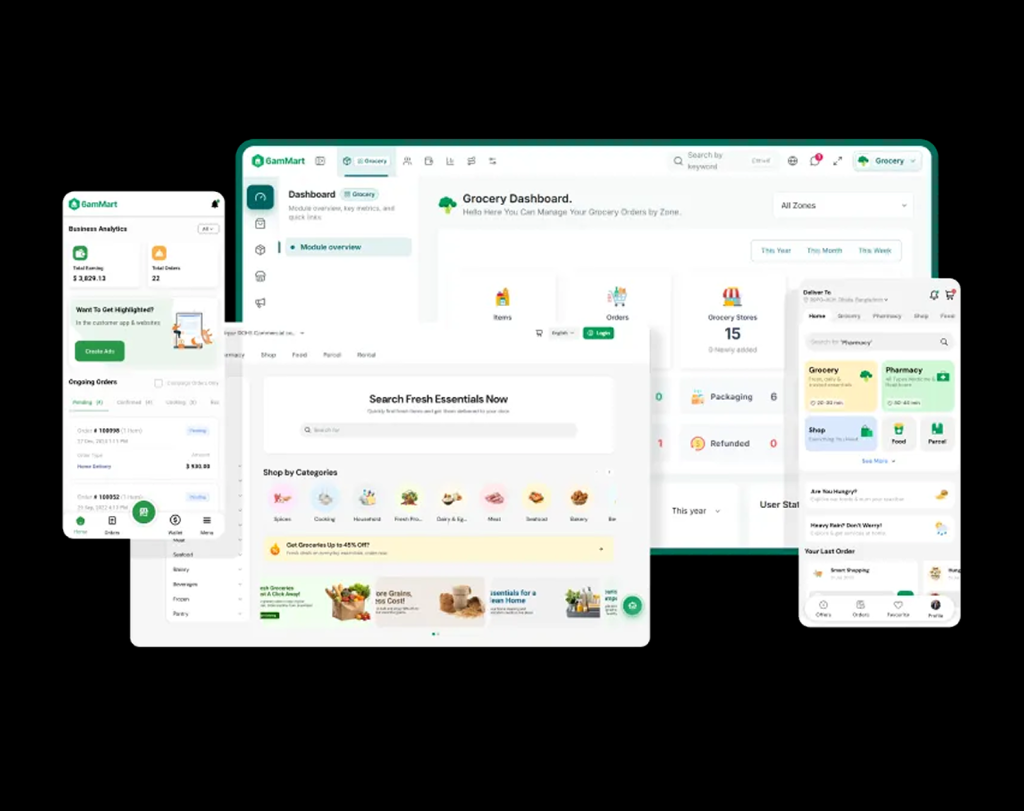
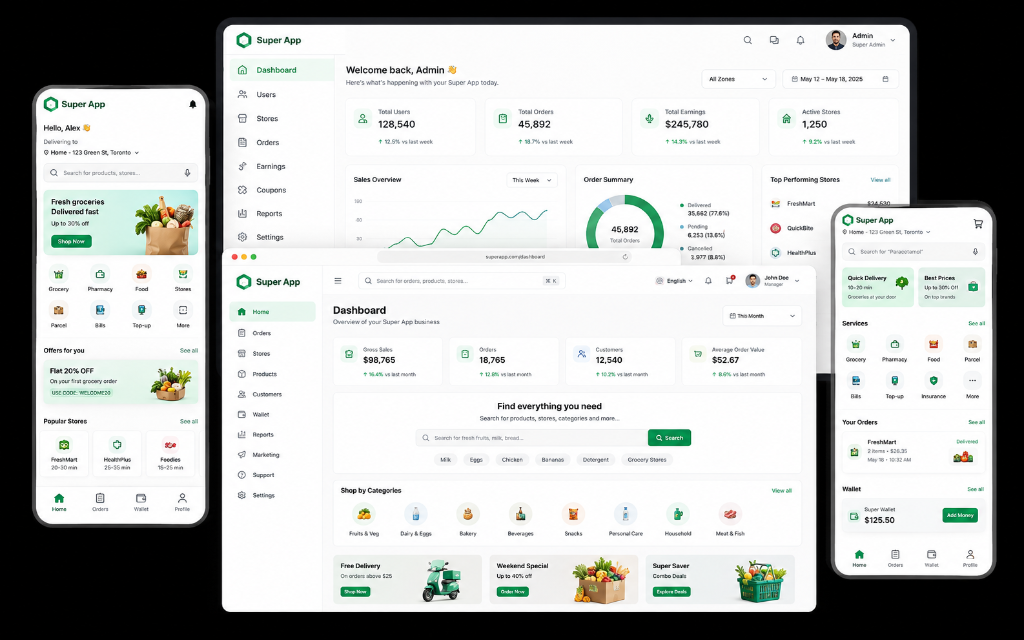
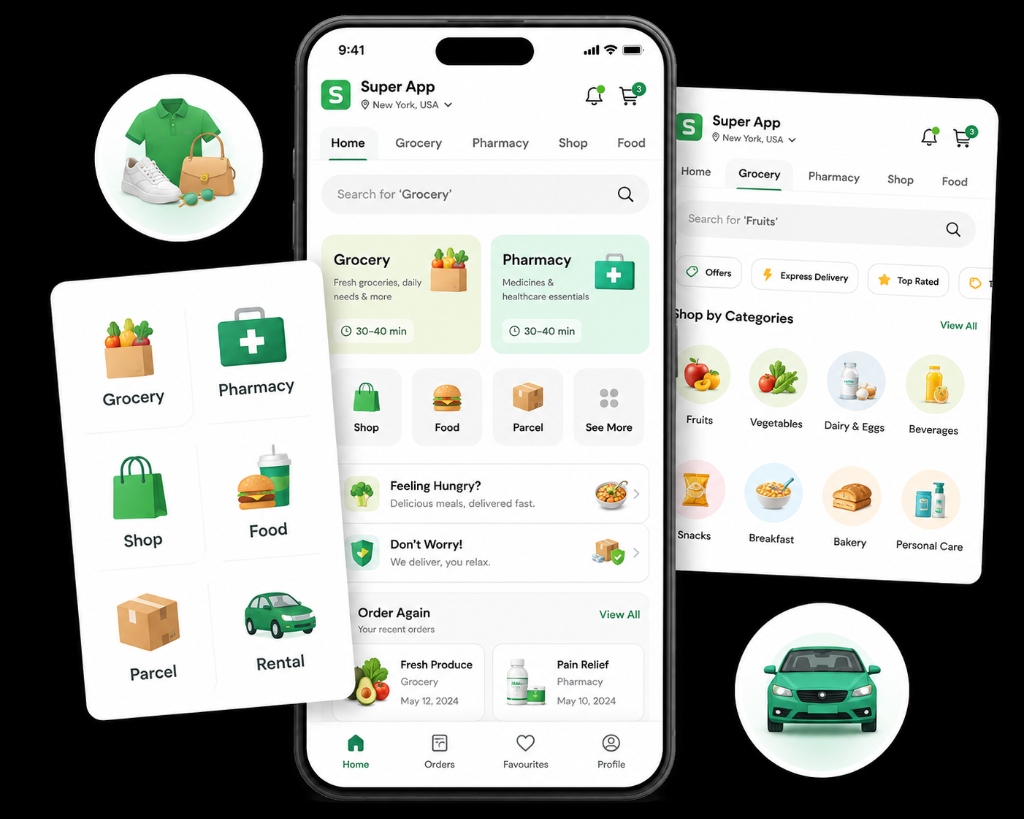
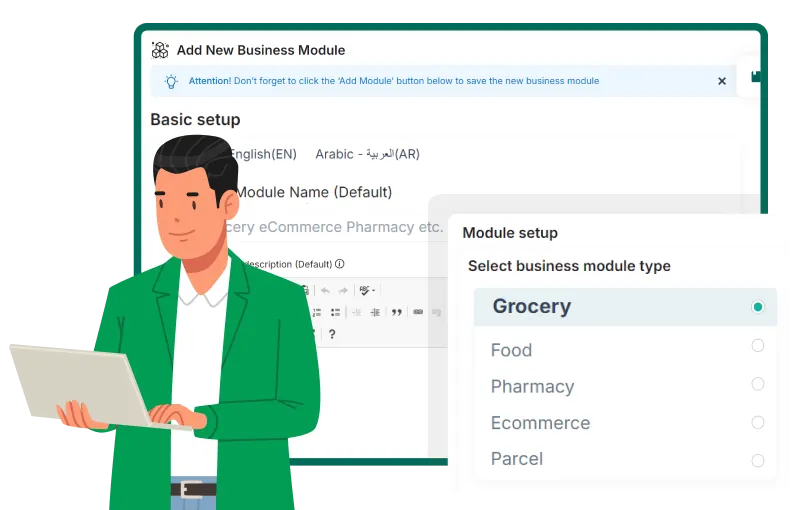
One Platform, Every Surface
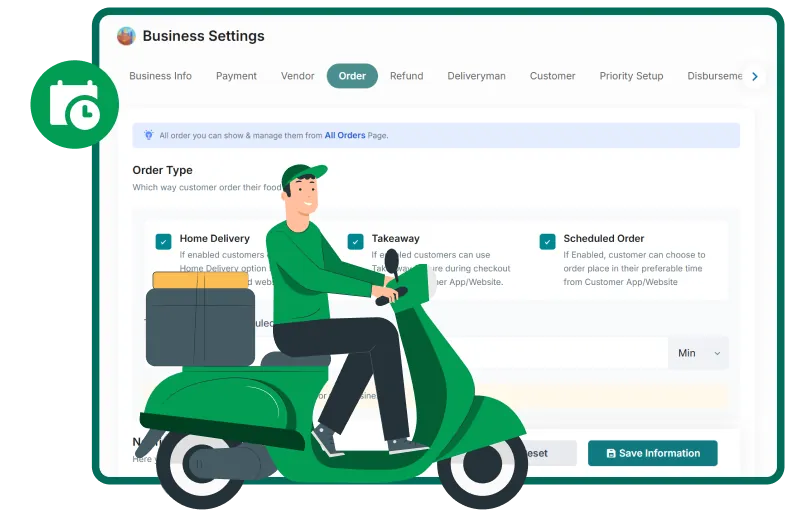
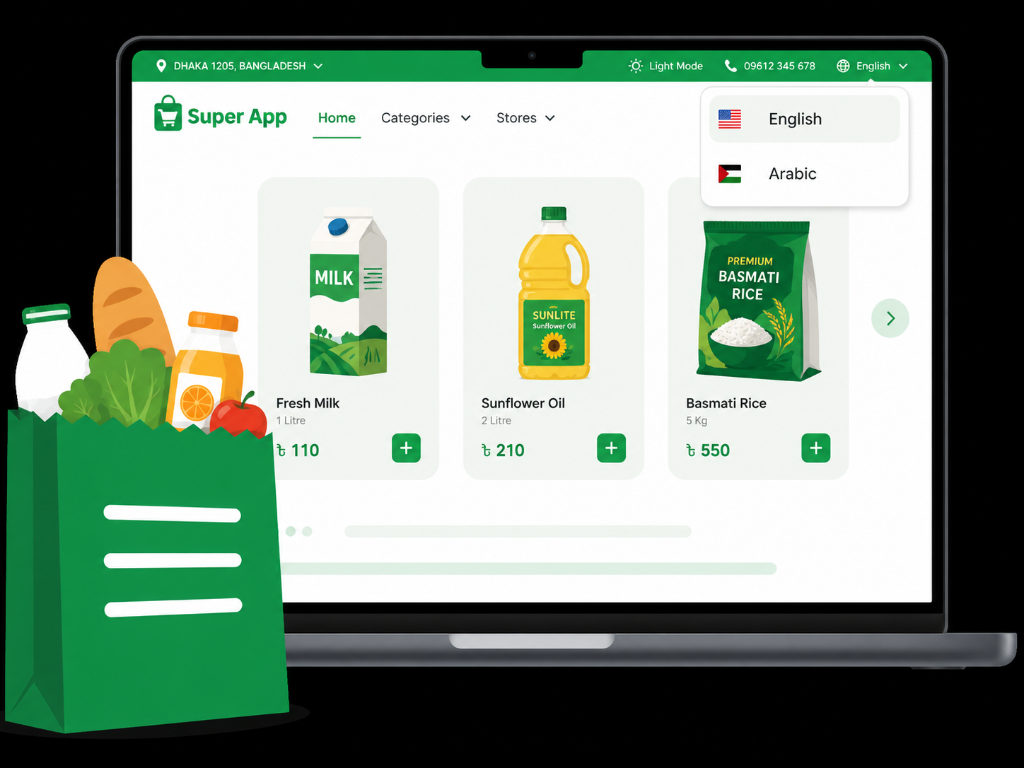
Every panel, app, and website that makes up your marketplace. All built. All included. All yours from day one.
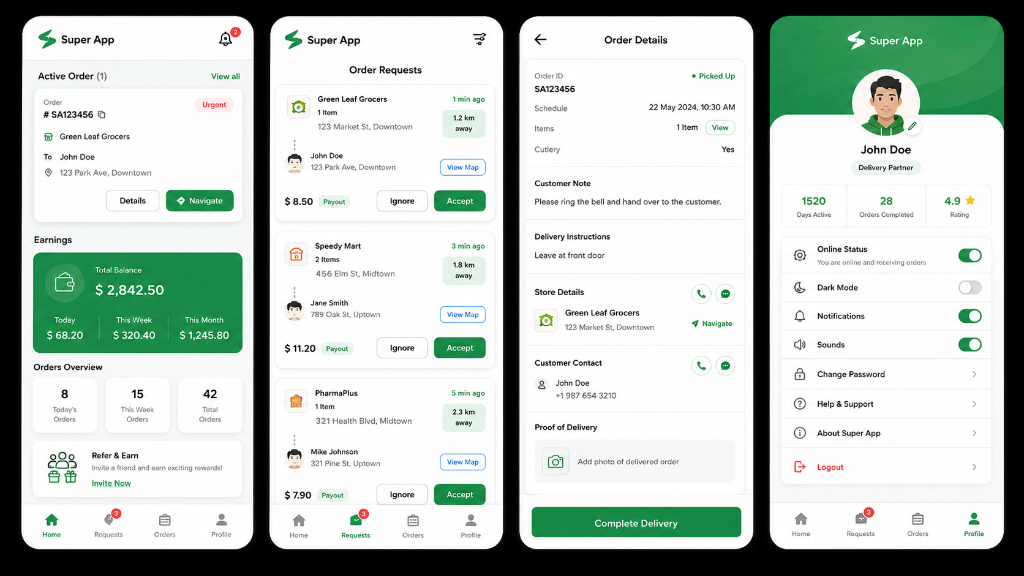
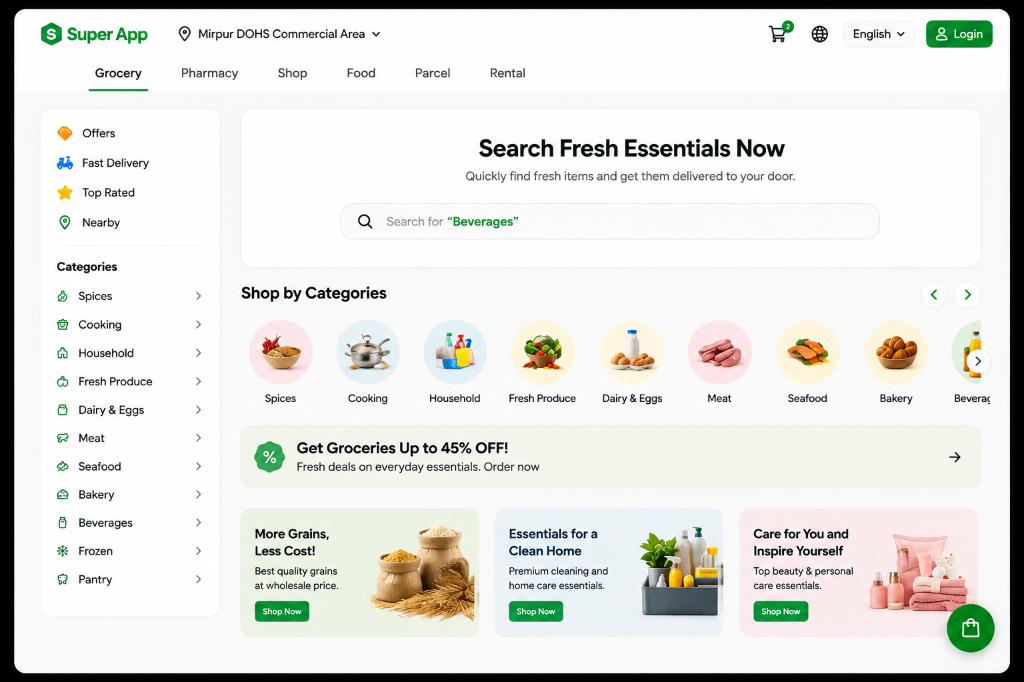
The operating context
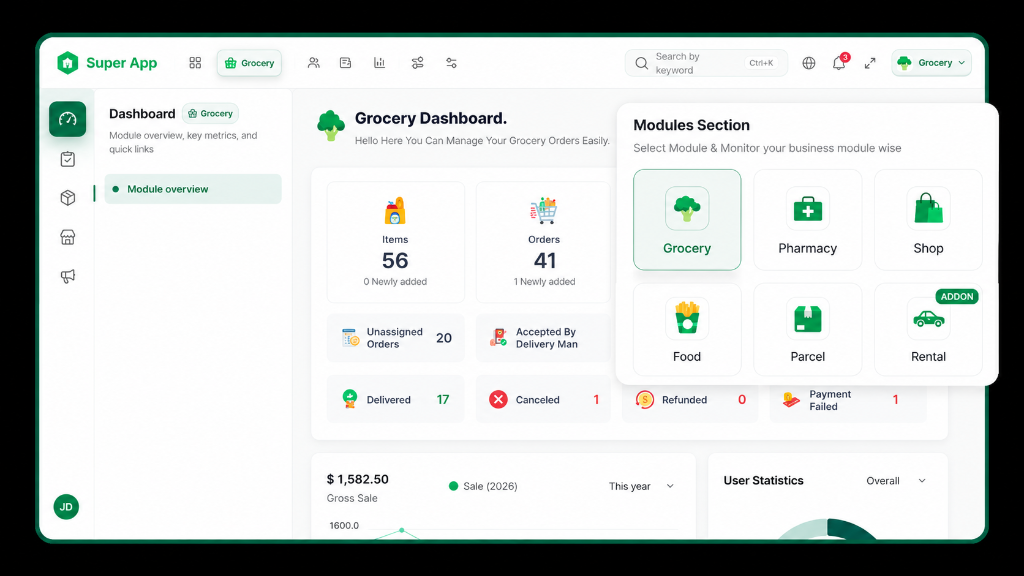
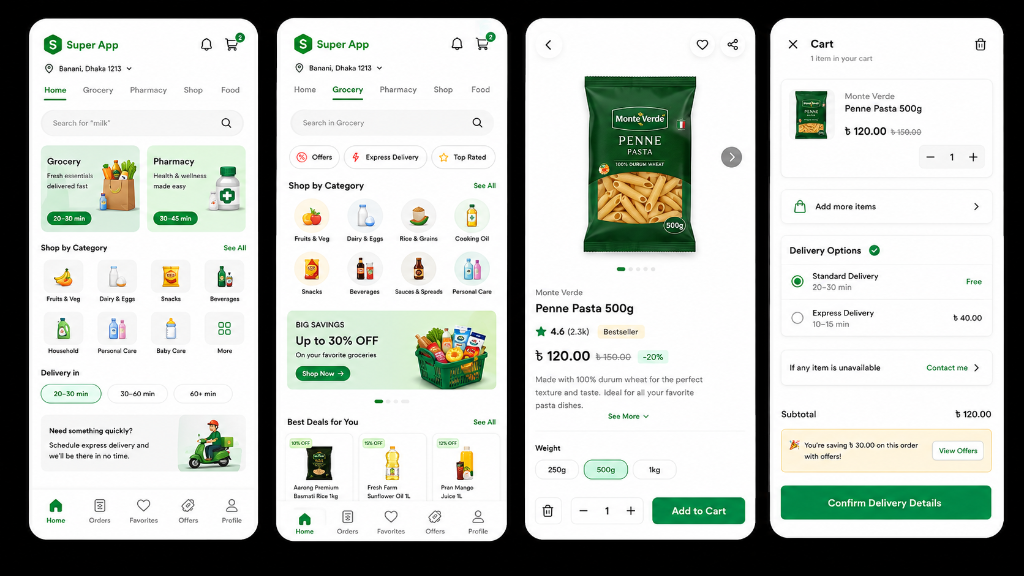
Modular Super App is a multi-service marketplace supporting grocery, food, pharmacy, ecommerce, parcel and rental businesses. Each delivery update affects several people at once: the rider doing the work, the customer waiting, the vendor preparing an order and the dispatch team monitoring exceptions.
Delivery partners work in motion, often outdoors and under time pressure. They need to judge requests quickly, collect from more than one vendor, follow the right stop sequence, communicate progress and reconcile cash—sometimes with unreliable connectivity.
People in the loop
- Delivery partners — primary users
- Customers awaiting an order
- Vendors preparing pickups
- Dispatch and administration teams
Publicly documented capabilities
- Online and offline availability
- Accept or decline new requests
- Multi-vendor delivery
- Status and payment updates
- Cash-in-hand and order history
- Multiple languages and themes
Four questions should drive the experience
What should I do next?
One unmistakable task and one primary action, based on the current delivery state.
Where do I need to go?
The next destination first, with the full pickup and drop-off sequence still visible.
How much will I earn?
Estimated earning before acceptance, then a clear split between earnings and cash held.
What status should I update?
Only the valid next status, confirmed before it affects every stakeholder downstream.
Organise the product around delivery states—not feature lists
- 01Register
- 02Go online
- 03Receive request
- 04Review & accept
- 05Navigate to pickup
- 06Confirm pickup
- 07Navigate to customer
- 08Complete delivery
- 09Update payment
- 10View earnings
Show the current task before everything else
The dashboard should not give equal weight to every feature. Availability, the active delivery, the next stop and new-order alerts belong above summaries and history.
- Availability: a persistent online/offline control with an explicit state label.
- Active delivery: the next pickup or drop-off and the action required there.
- Today at a glance: completed deliveries, earnings and cash in hand.
- Operational warnings: GPS, connectivity and delayed-vendor messages that persist until resolved.
Make a request understandable before asking for commitment
Effort
Pickup distance, delivery distance, estimated completion time and the number of stops.
Complexity
Number of vendors, number of drop-offs and whether the order is scheduled.
Value
Estimated earning, payment method and any cash the rider will be responsible for.
A map-first screen with one clear action
- Next destination and the complete multi-stop sequence
- Vendor and customer contact actions
- Compact order details and payment method
- Current status in text and icon—not colour alone
- Report-an-issue access without leaving the task
- One primary action that changes with the delivery state
Separate earnings from money being held
Cash currently held
Cash collected on behalf of the platform, kept distinct from personal earnings.
Digital earnings
Completed delivery income, with a traceable order-level breakdown.
Pending settlement
Amounts awaiting reconciliation, due dates and the next required action.
Exceptions
Cash mismatches, disputed payments and failed updates surfaced as resolvable items.
Design the failure states as carefully as the happy path
Critical status changes need confirmation. Offline and GPS warnings need to persist. Failed updates need a visible retry state rather than silently leaving customers and dispatch teams with stale information.
Proposed research
- Contextual rider interviews
- Ride-along observation
- Prototype usability tests
- Low-connectivity simulations
- Multi-stop sequencing tasks
Honest outcome
- No performance results are claimed
- No internal analytics were available
- Success depends on real-world validation